Skip to content
View in the app

A better way to browse. Learn more.

ADayInOurShoes Village

A full-screen app on your home screen with push notifications, badges and more.

To install this app on iOS and iPadOS
  1. Tap the Share icon in Safari
  2. Scroll the menu and tap Add to Home Screen.
  3. Tap Add in the top-right corner.
To install this app on Android
  1. Tap the 3-dot menu (⋮) in the top-right corner of the browser.
  2. Tap Add to Home screen or Install app.
  3. Confirm by tapping Install.

CMyers

Members
  • Joined

  • Last visited

About Me

Hi,

I am a mom to a wonderful autistic son who also has ADHD. I am also a special education teacher grades K-12. I thought I knew the process fairly well after being a teacher and running IEPs for several years. But, being on the parent side of things is so much different. It took us 3 years to get the IEP started and then to find the right placement that met his needs. When Lisa says it's a process..... believe me, it is a process. Having joined this group to get information to help me navigate the parent side of things has also helped me be a better teacher and advocate for my students. 
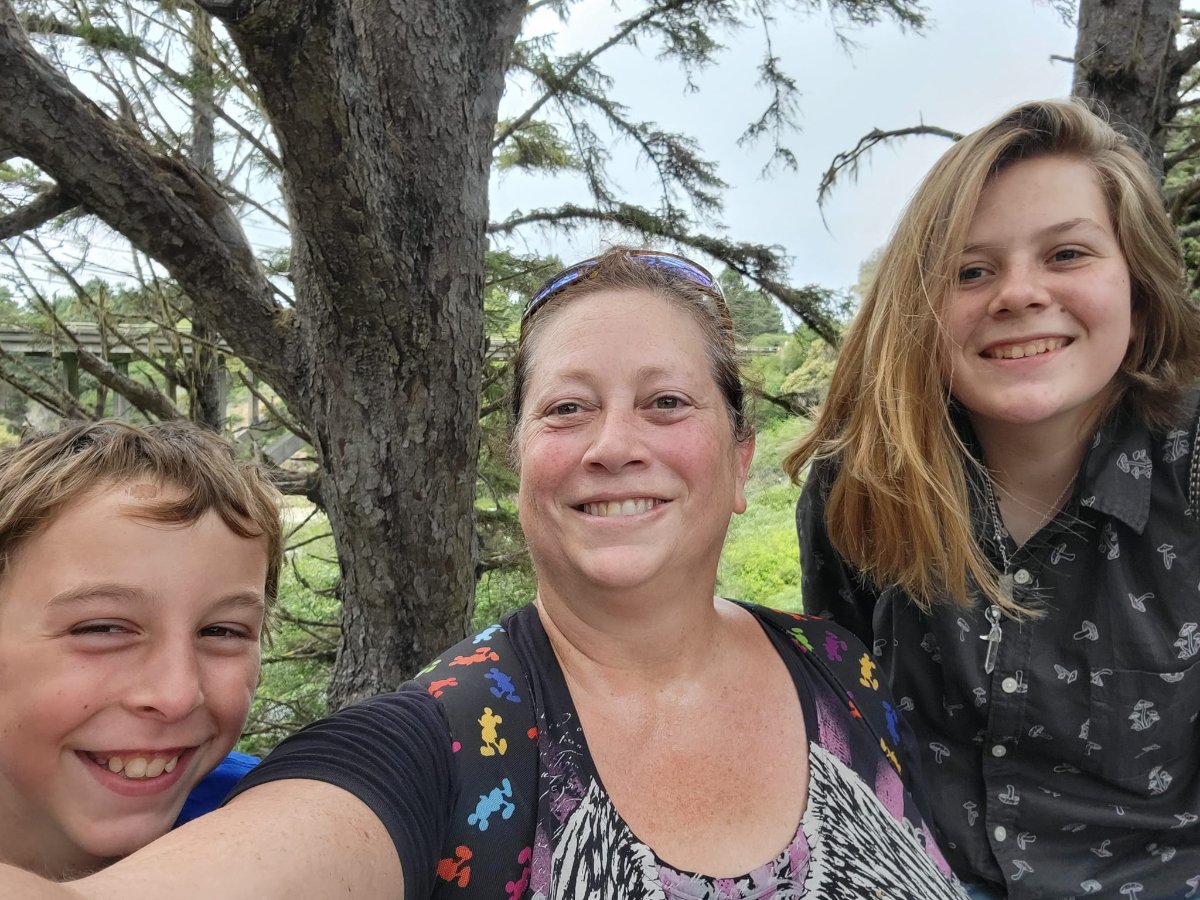
me and kids fort bragg 2022.jpg

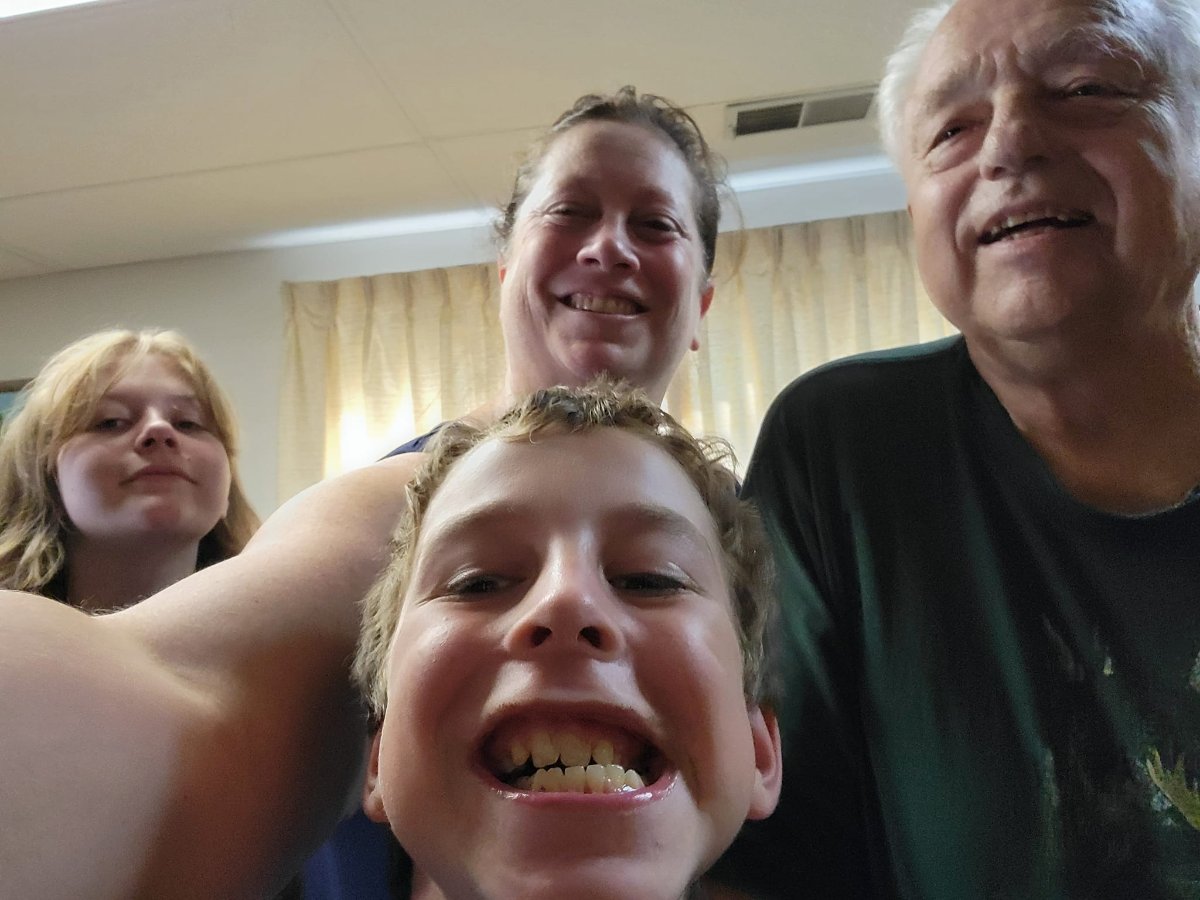
kids and papa.jpg

Account

Navigation

Search

Search

Configure browser push notifications

Chrome (Android)
  1. Tap the lock icon next to the address bar.
  2. Tap Permissions → Notifications.
  3. Adjust your preference.
Chrome (Desktop)
  1. Click the padlock icon in the address bar.
  2. Select Site settings.
  3. Find Notifications and adjust your preference.